

01
GIS and BIM integration
Place model information in the wider site context.

Connect the site context with the model detail.
Bring spatial datasets, building models and imagery into a defined project workflow. Professionals Arabia, based in Riyadh, supports enquiries for GIS and BIM integration, model preparation and remote sensing analysis across Saudi Arabia, with scope and outputs agreed around the information you need to use.
GIS describes location and spatial relationships, while BIM organizes model geometry and associated information. Remote sensing provides observations from imagery or other sensor data. Bringing these sources together can help teams review a building, site or corridor within its wider context.
Useful integration begins with a defined question and compatible inputs. We help establish the source data, coordinate and level references, model requirements and receiving platform before preparing the agreed outputs. The result should explain what is represented, the source dates and any limitations that affect its use.

Select a scope to see its purpose and typical outputs. Data availability, model detail, analytical methods and formats are agreed for your project.
Place model information in the wider site context.
Define the elements and information the model must contain.
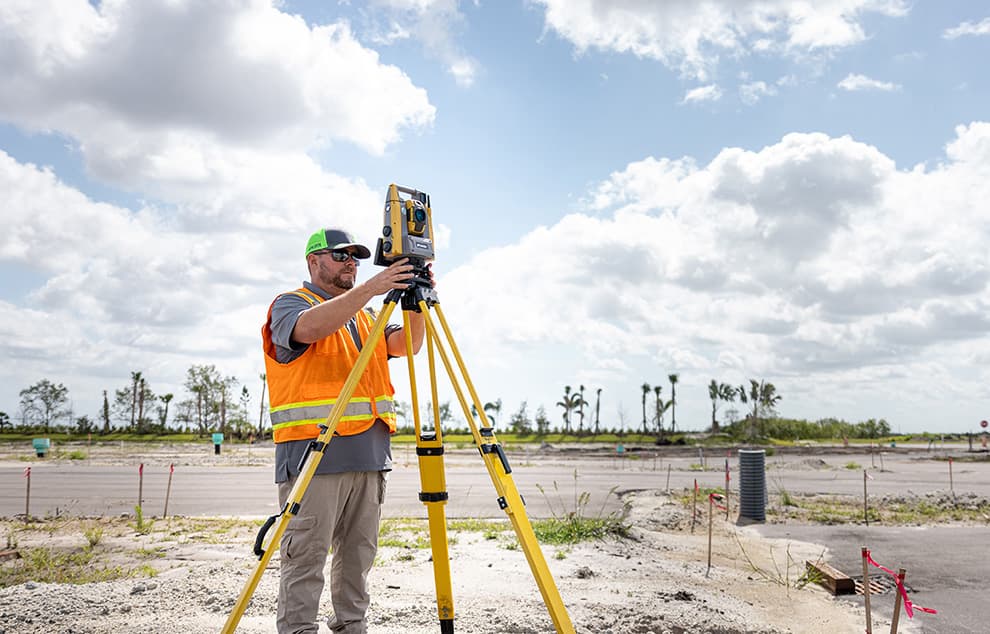
Turn captured geometry into selected model elements.

Extract information that answers a defined site question.
Compare suitable observations across agreed dates.
Prepare the combined information for the receiving team.
Place model information in the wider site context.
Define how selected BIM models and GIS layers will be referenced and used together. Review coordinate systems, units, model origins and the attributes needed for the project question.
Site, campus or infrastructure coordination across model and mapping teams.
Agreed aligned datasets and a note describing references and integration steps.
Scope note: Conversion may not preserve all model properties or behavior; the receiving workflow must be agreed.
Define the receiving software, information requirements and review criteria before preparation. Not every output is included in every scope.
| Deliverable | What to specify | Format |
|---|---|---|
| Models and spatial layers | Coverage, references, modeled elements and required properties. | Agreed native, IFC or GIS-compatible files as appropriate. |
| Imagery and analysis outputs | Dates, resolution, licensed use, derived classes and comparison method. | Agreed raster, vector or report outputs. |
| Review and visualization files | Audience, level of interaction, layer visibility and issue purpose. | Agreed review files, images or PDFs. |
| Metadata and handover notes | Sources, dates, transformations, assumptions, checks and unresolved items. | Dataset index and method or handover note. |
Confirm horizontal and vertical references, units, source dates and acceptance criteria. Visual alignment alone does not prove positional accuracy or completeness. Derived models and analysis retain limitations of their source data.
Assess files, source dates, coverage, licensing and available reference information.
Review coordinates, model origins, units and any required transformations.
Apply the agreed modeling, integration or imagery workflow to the specified extent.
Check the package against the agreed use, format and information requirements, and record unresolved items.
Software, platform compatibility and specialist methods are confirmed for the assignment. No universal level of detail, accuracy or platform compatibility is assumed.
Agree the intended use, users, extent and required outputs.
Review inputs, references, suitability and missing information.
Carry out the agreed modeling, integration or analysis.
Check the outputs and discuss comments within scope.
Provide the files, metadata and method notes for handover.
Coordinate requirements with survey, utility documentation and GIS workflows where needed.
Establish the elements, attributes and evidence required before preparation.
Discuss the receiving platform and update responsibilities early in the assignment.
Models and site context for defined coordination tasks.
Spatial and model information across corridors and facilities.
Existing-condition records and selected model requirements.
Imagery-based context and comparisons across agreed areas.
Cost and duration depend on input quality, area, modeling detail, analysis effort, software requirements and review cycles. Send representative files so suitability and scope can be assessed.
Discuss your data and model requirementsGIS Solutions focuses on mapping, data conversion and structured spatial records. This page addresses more specific model integration, point-cloud interpretation and imagery-analysis requirements.
It can be assessed against its coordinates, origin, format and required properties. The receiving platform and conversion workflow must be defined because not all information transfers unchanged.
Share the cloud, available registration and reference information, modeled area and required elements. Define the intended use and representation requirements before agreeing the model scope.
New capture is included only when expressly defined and availability is confirmed. Imagery access, site permissions and collection responsibilities are addressed separately from data processing.
Suitable datasets can be compared for an agreed question. Differences in resolution, season, coverage or processing must be considered before interpreting the result as physical change.
A model alone does not establish a maintained operational digital twin. Live data, updates, system connections and operating responsibilities require a separate definition.
Agree the receiving software and required properties first. Native, IFC, raster and vector formats may be specified where appropriate to the agreed workflow and available capability.
No. Integration organizes information for a defined use. Engineering approval, condition assessment, field verification and specialist acceptance are separate responsibilities unless expressly included.
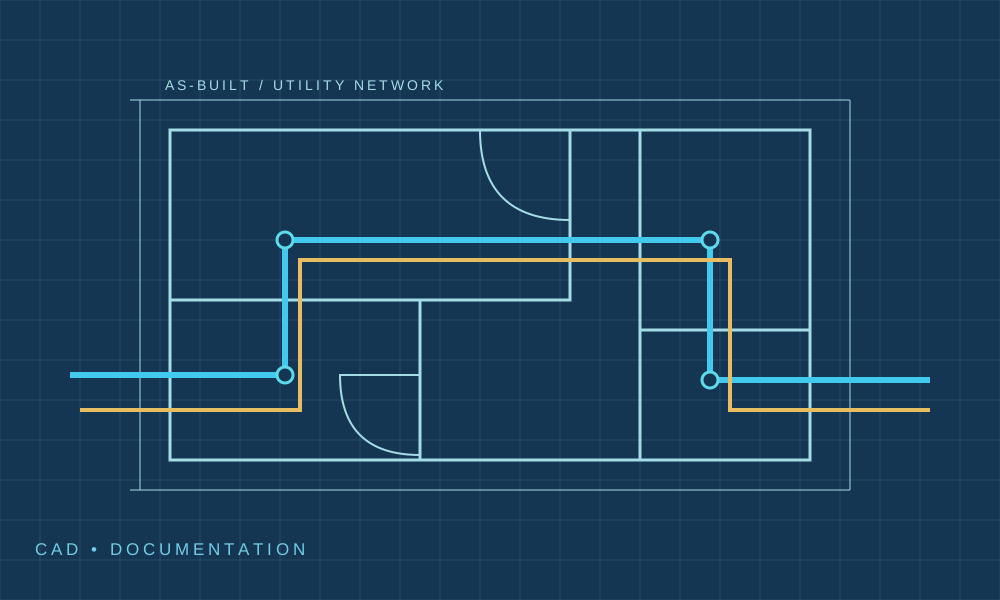
Prepare traceable utility drawing records for agreed inputs.
Explore serviceInvestigate buried-service information under a separate survey scope.
Explore serviceShare the intended use, project extent and available files. Our team can discuss input suitability, the specialist scope and the next step.
Advanced GIS, BIM and Remote Sensing
Use of personal information is described in our Privacy Policy.