
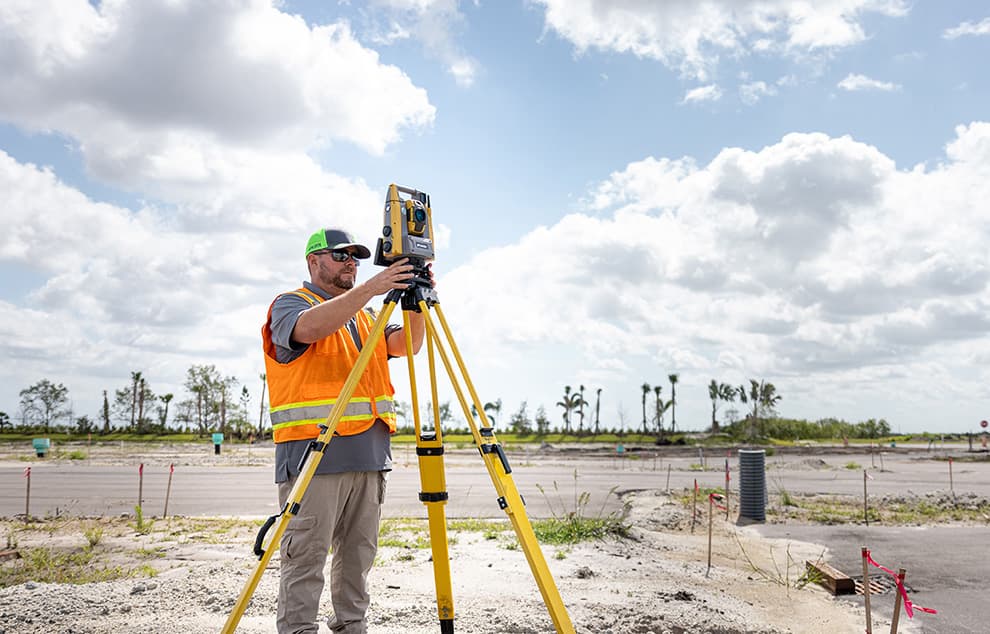
01
Survey data to CAD
Bring recorded field features into the drawing.

Turn field records into drawings your project team can use.
Prepare and update utility drawings from identified survey data, approved site markups and agreed project records. Professionals Arabia, based in Riyadh, supports CAD mapping and drawing handover requirements for infrastructure, construction and facility projects across Saudi Arabia.
Utility record drawings organize routes, accessible features, identifiers and levels where those details are supported by the source information. They help project teams review completed works, coordinate changes and retain a usable record for handover and later planning.
The value of the drawing depends on the evidence behind it. We help define the source files, coordinate reference, drawing conventions and review requirements before preparing the CAD package. Measured features, contractor markups and unverified legacy records should remain distinguishable. Missing information is identified for clarification rather than filled with assumed as-built geometry.

Select a scope to see its purpose and typical outputs. Survey coverage, drawing detail and issue requirements are agreed for your project.
Bring recorded field features into the drawing.
Incorporate approved changes with traceable references.
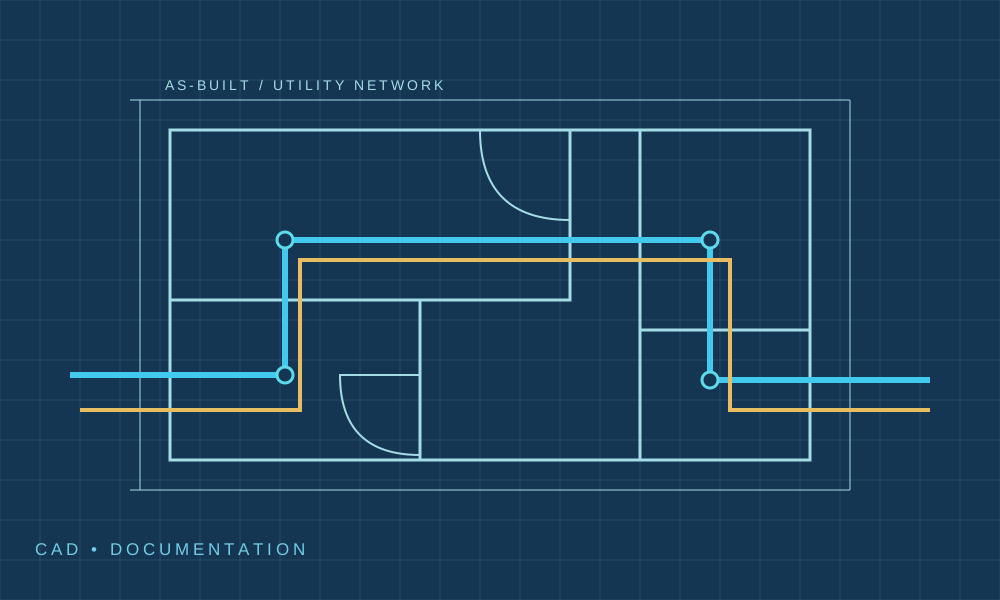
Organize routes and features for project review.
Make older records editable without changing their evidence status.
Keep drawing conventions and issue records consistent.
Prepare the files the receiving team expects.
Bring recorded field features into the drawing.
Prepare agreed utility geometry from supplied survey points, field codes and measured records. Relate the drawing to the stated project coordinate and level references.
Documenting accessible completed works and surveyed features.
Defined CAD linework, identifiers and relevant coordinate or level annotations.
Scope note: Field measurement, survey control checks and additional data collection require express inclusion.
Agree the drawing scope and receiving team's requirements before preparation. Not every output is included in every package.
| Deliverable | What to specify | Format |
|---|---|---|
| CAD utility drawings | Define coverage, layers, geometry, units and file version. | DWG, DXF or another agreed compatible CAD format. |
| Plotted drawings | Define sheet sizes, scale, legends and issue status. | PDF as agreed. |
| Schedules and registers | Define feature IDs, available attributes, drawing numbers and revisions. | Agreed spreadsheet or drawing schedules. |
| Source and review notes | Define source references, measured or reported status, missing information and review responses. | Agreed register or handover notes. |
Confirm the coordinate reference, level datum, survey date, source status and acceptance criteria. Drafting precision does not increase source accuracy. Estimated or unconfirmed information must be identified in the output.
The workflow starts with the evidence available and the files needed by the receiving team.
Identify the drawing revisions, survey files, markups and missing references.
Review stated units, coordinate information and compatibility of the supplied datasets. Resolve unclear transformations before use.
Apply agreed layers, symbols, labels, sheet conventions and source-status distinctions.
Check completeness against the drawing brief and record unresolved comments before release.
Software version, templates and client drafting requirements are confirmed for the assignment. Do not imply a manufacturer partnership or authority accreditation.
Confirm utility scope, project area, sources and drawing purpose.
Check available records, references and missing information.
Create or update the CAD drawings using agreed conventions.
Review comments and resolve issues within the agreed scope.
Issue files, registers and source notes for handover.
Coordinate drafting inputs with surveying and utility investigation where required.
Identify the source and revision behind the drawing changes.
Agree formats and document organization with the receiving team.

Route plans and records for water, drainage, power or communications where supported by source data.
Drawing updates from recorded installation changes.
Utility records for alterations and maintenance planning.
External service drawings and handover packages.
Cost and duration depend on drawing quantity, source quality, detail, reference checks and review cycles. Send sample files so the preparation effort can be assessed.
Discuss your utility drawingsIt is a record of utility features based on identified evidence of installed conditions. The drawing should state whether details come from measurement, supplied markups or other records, and identify gaps or uncertainty.
No. CAD preparation organizes available information into drawings. Measuring or investigating the actual site is a separate activity unless expressly included in the scope.
Share the current files, revision register and approved changes. The team can assess file compatibility, source quality and the drawing conventions needed for the update.
Suitable records can be digitized where scale, legibility and reference information allow. Conversion creates editable geometry but does not verify it against current site conditions.
Its route should not be invented or described as verified as-built. Identify the information gap and discuss whether utility detection, further records or separately arranged exposure are required.
Agree the receiving software and required versions before preparation. CAD files, PDF sheets, schedules and source notes can be defined in the delivery package.
CAD files can provide inputs, but spatial attributes, data structure and modeling requirements need definition. GIS conversion and BIM modeling require their own agreed scope.
No. Acceptance depends on the recipient and purpose. Share the submission requirements early so formats, signatures, verification and responsibilities can be confirmed.
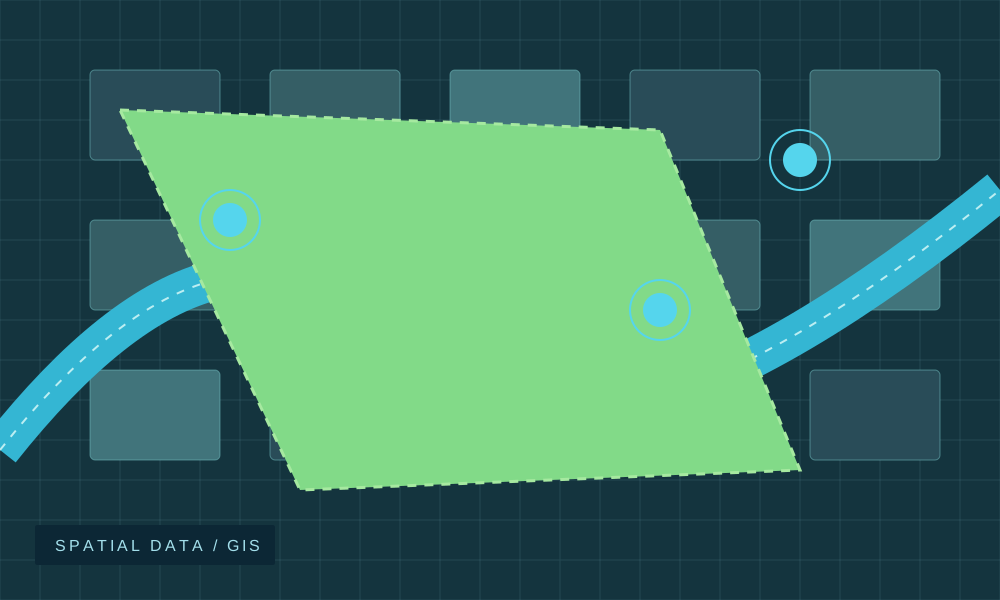
Define field measurements and positional references for the drawing inputs.
Explore serviceInvestigate buried-service information before it is represented in the records.
Explore service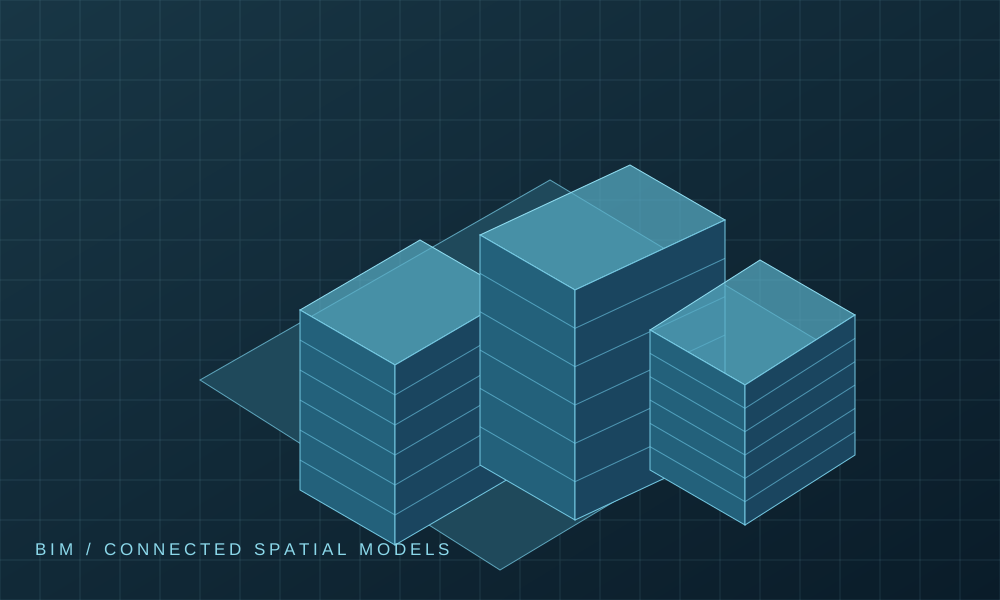
Discuss specialist model and geospatial integration requirements.
Explore serviceShare the available files, drawing purpose and required outputs. Our team can discuss the sources, preparation scope and next step.
As-Built Utilities Mapping CAD
Use of personal information is described in our Privacy Policy.